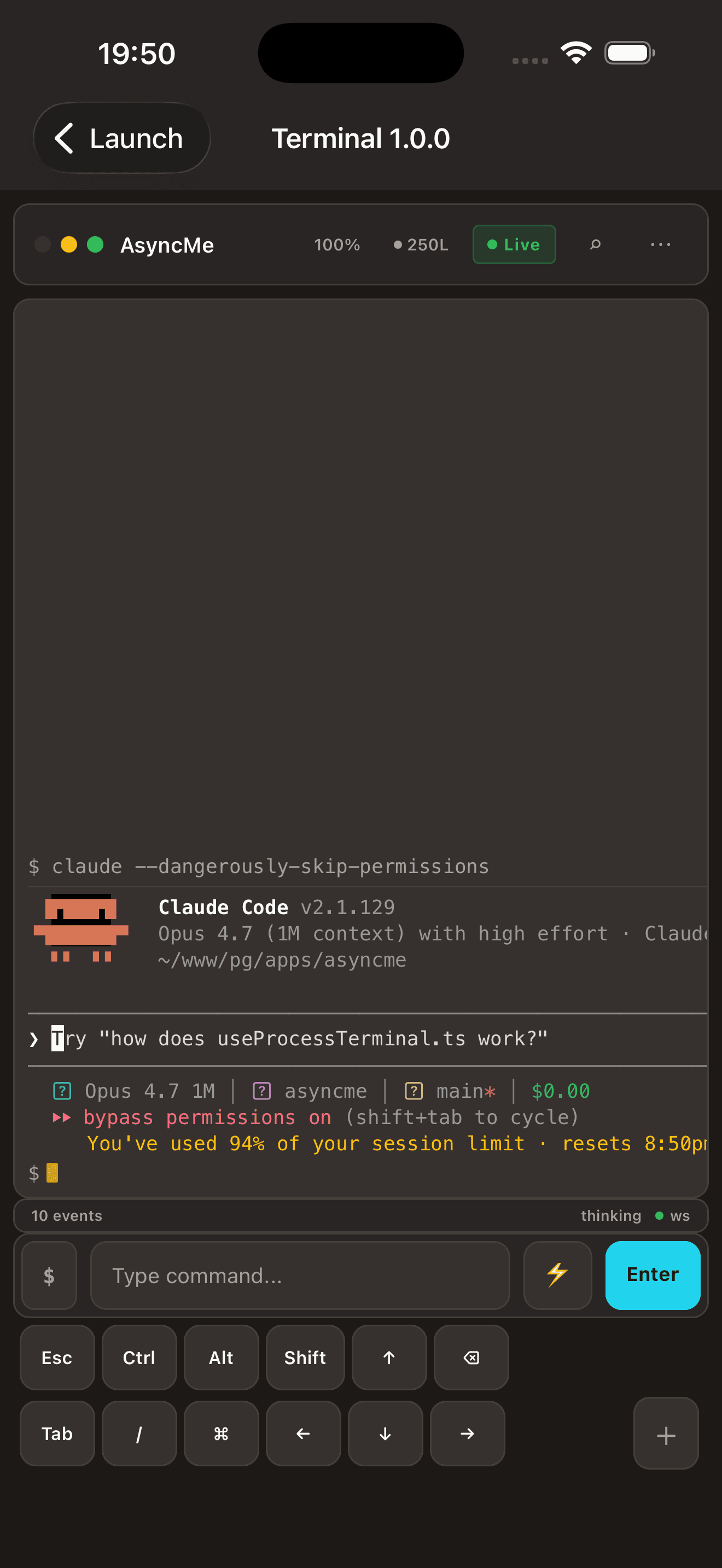
Live terminal mirror
Stream stdout and stderr to your phone with the same colors, cursor, and scrollback as the source.
AsyncMe pings you when Claude Code, agents, or long-running shells need attention — and lets you respond, claim control, or kill them from anywhere. Your daemon never leaves your machine.
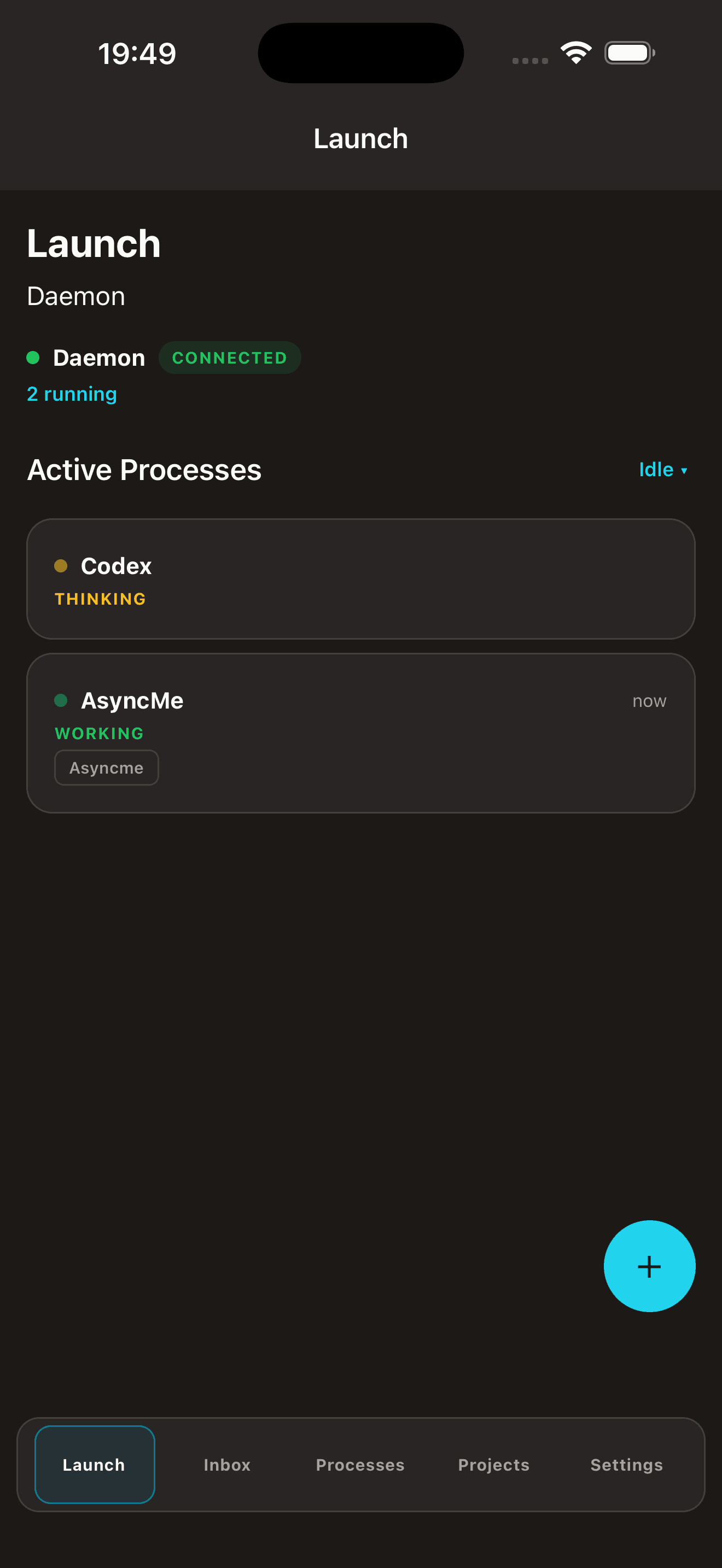
A small Go binary watches your terminal sessions and the processes you tag. Local-only, no account.
Scan a QR code or paste a token. The pairing stays on your network — no signup, no email required.
Approval prompts, idle hangs, errors, completions. Open the notification and you are already in the session.
Stream stdout and stderr to your phone with the same colors, cursor, and scrollback as the source.
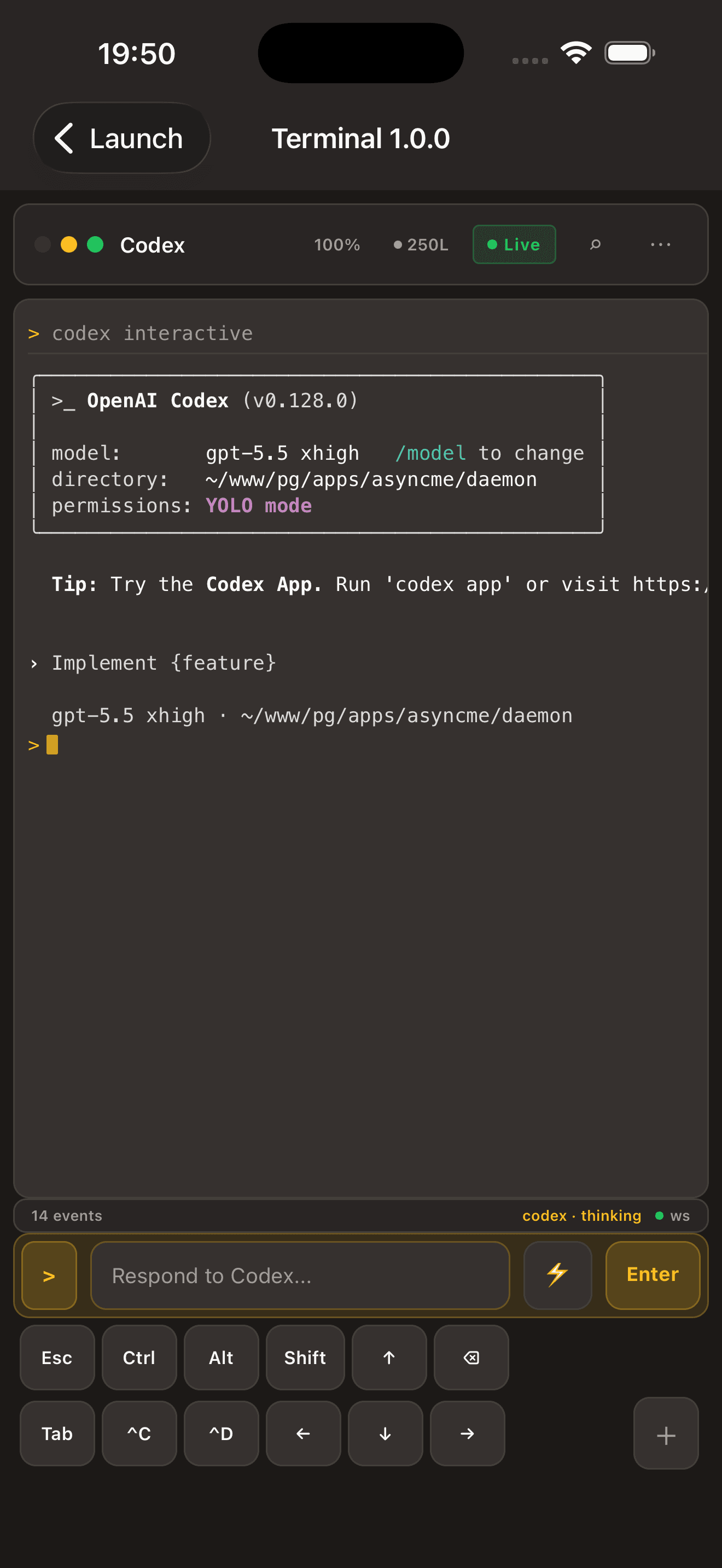
Run any agent or shell — Claude Code, OpenAI Codex, build scripts, training jobs. AsyncMe just watches the terminal.
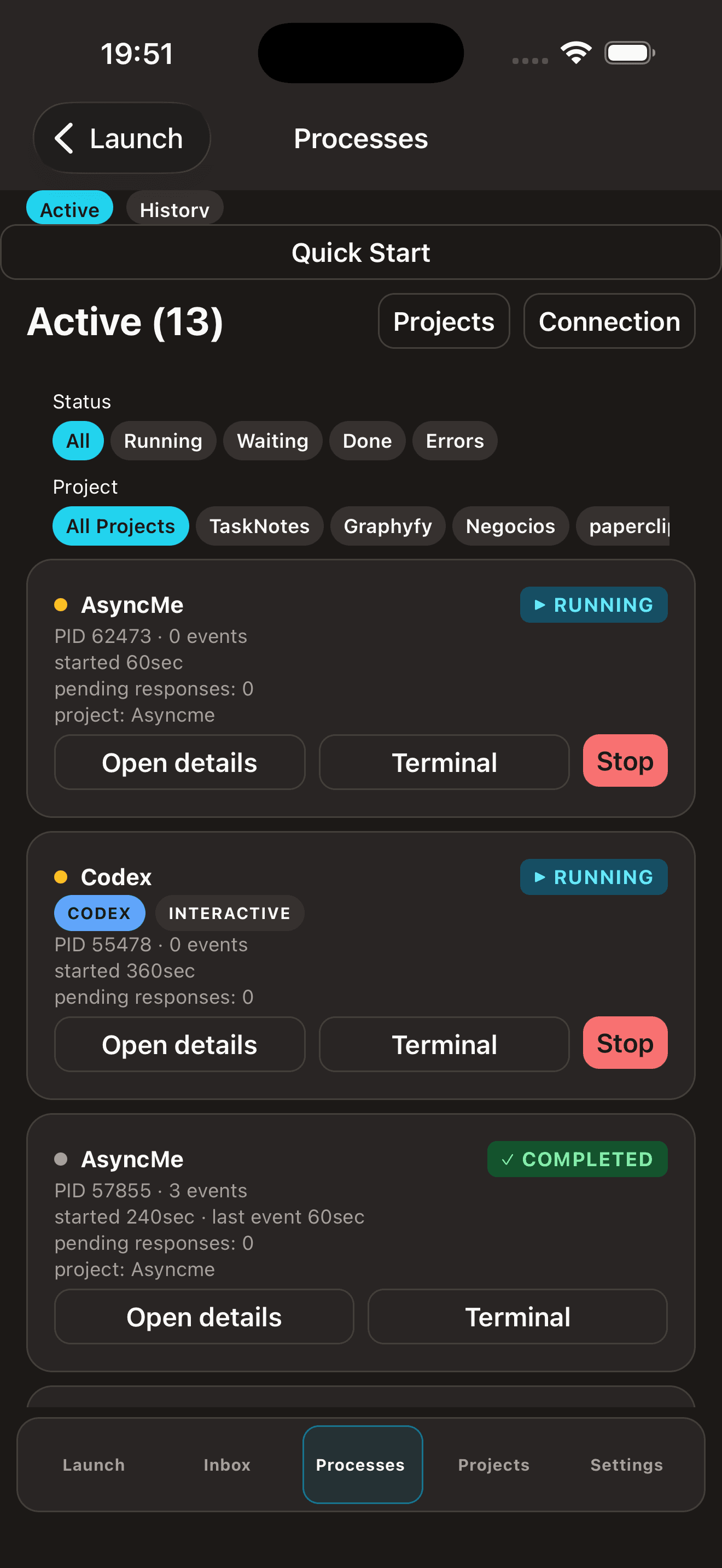
See every running process, filter by status, take over the terminal, or stop a stuck job — from the lock screen if you want.
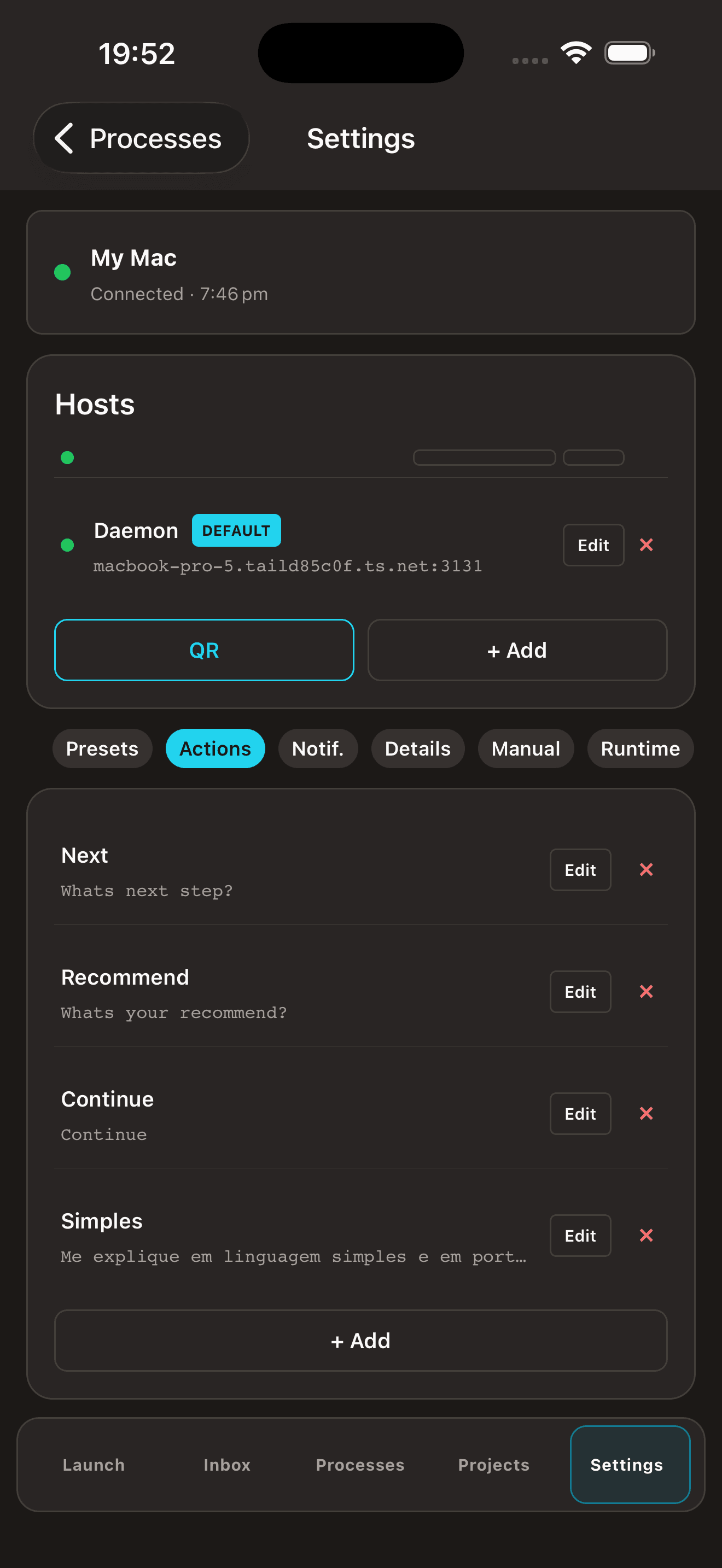
Scan a QR over Tailscale or paste a token. No signup, no email, no cloud account. The link stays on your network.
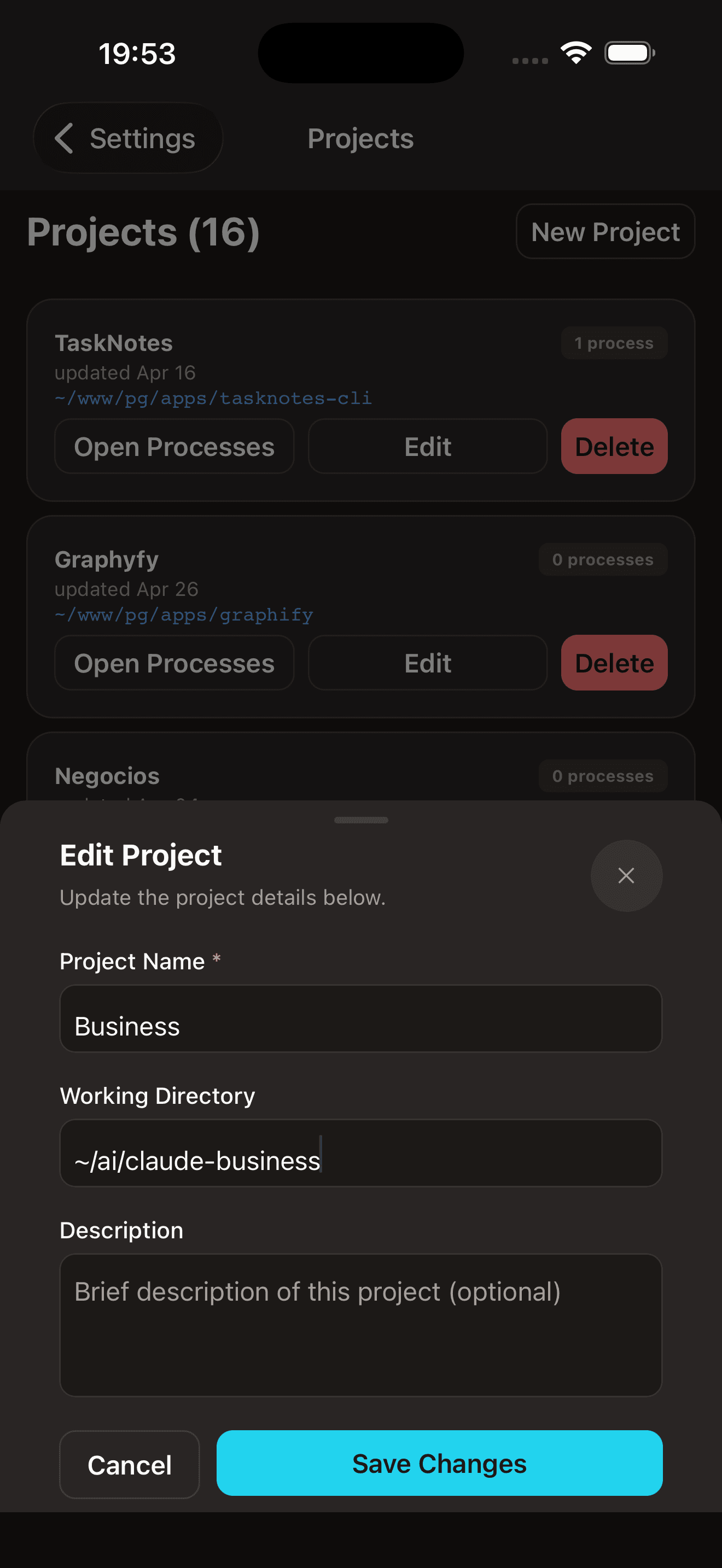
Group sessions by project so the right agents and presets show up first. Edit names, paths, and descriptions on the go.
No analytics, no telemetry shipped off-device, no third-party servers. Open source on GitHub.
AsyncMe is a peer-to-peer link between your Mac and your iPhone. Process output, prompts, terminal history, and connection tokens stay on your devices. Apple gives us a push notification token to route alerts — that is it. No accounts, no logs, no resale, no exceptions.
Read the Privacy Policy →The macOS daemon and menubar app, in one download. Apple Silicon, free, open source. Pair your iPhone via QR code or token in under a minute.
First launch: right-click AsyncMe.app in Applications and choose Open. The build is currently unsigned, so Gatekeeper will warn the first time you open it.
Watch the GitHub repository for now — we will open the launch list shortly.
Watch on GitHub →Yes — AsyncMe is a remote view of your machine, not a cloud replacement. If your Mac sleeps, the daemon sleeps.
Yes. Anything that writes to a terminal — agents, build scripts, training jobs, deploy pipelines.
The app and daemon are free during v1.0. A Pro tier is planned (multi-machine, history search) but nothing is paywalled today.
https://github.com/parisgroup-ai/asyncme